
New Here?
Getting started is simple — we'll walk you through it
Schedule Appointment
Click the schedule appointment button below to schedule your first appointment. No account or invitation is needed to get started. And don't worry - a separate window will open so you can follow along with the instructions on this page.
Schedule AppointmentAppointment Details
Apply the following appointment details and then select your preferred date and time:
- Patient Type: New
- Specialty: Psychiatry
- Reason for Visit: New Patient - Telehealth
- Appointment Method: Online
- Practitioner: Seth Eiland, PA-C, CAQ-Psych
- Location: Eiland Behavioral Medicine
Enter Your Information
Provide your basic details, insurance information, and a brief reason for your visit.
Review & Confirm
Verify your identity, accept the Terms & Privacy Policy, and click Schedule Appointment. You'll receive an email confirmation with an option to add the event to your personal calendar. Don't worry - you'll still receive appointment reminders.
Register for the Patient Portal
Click the Register Now button below.
On the login screen, click Sign Up beneath the username and password fields.
Enter your first name, last name, and email address, then click Email Me.
You'll receive a registration invitation by email. Follow the prompts to complete registration, and have your phone nearby for identity verification.
Download the athenaPatient App
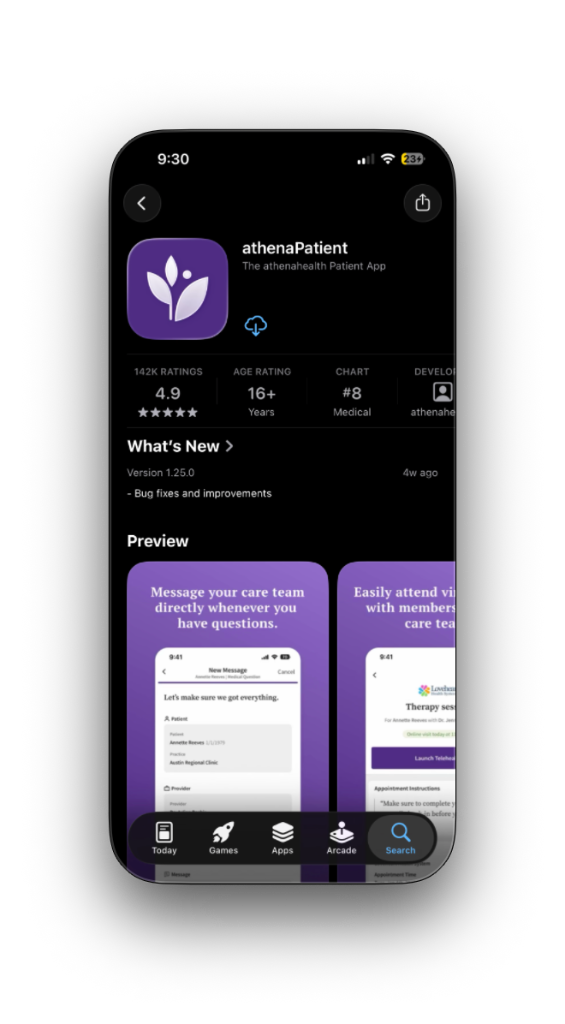
Get the athenaPatient™ app for easy access to your care on the go — manage appointments, request refills, message your provider and the practice, and complete self check-in tasks all from your phone.
The app is available for free on the App Store for iOS and on Google Play for Android.
Complete Self Check-In
Complete self check-in up to 7 days before your appointment — the sooner the better.
Self check-in will walk you through updating your information on file and completing any forms or documents required for your visit. The process will take approximately 10 to 15 minutes to complete.
Frequently Asked Questions
Common questions about the athenaPatient™ app